Get All-Access
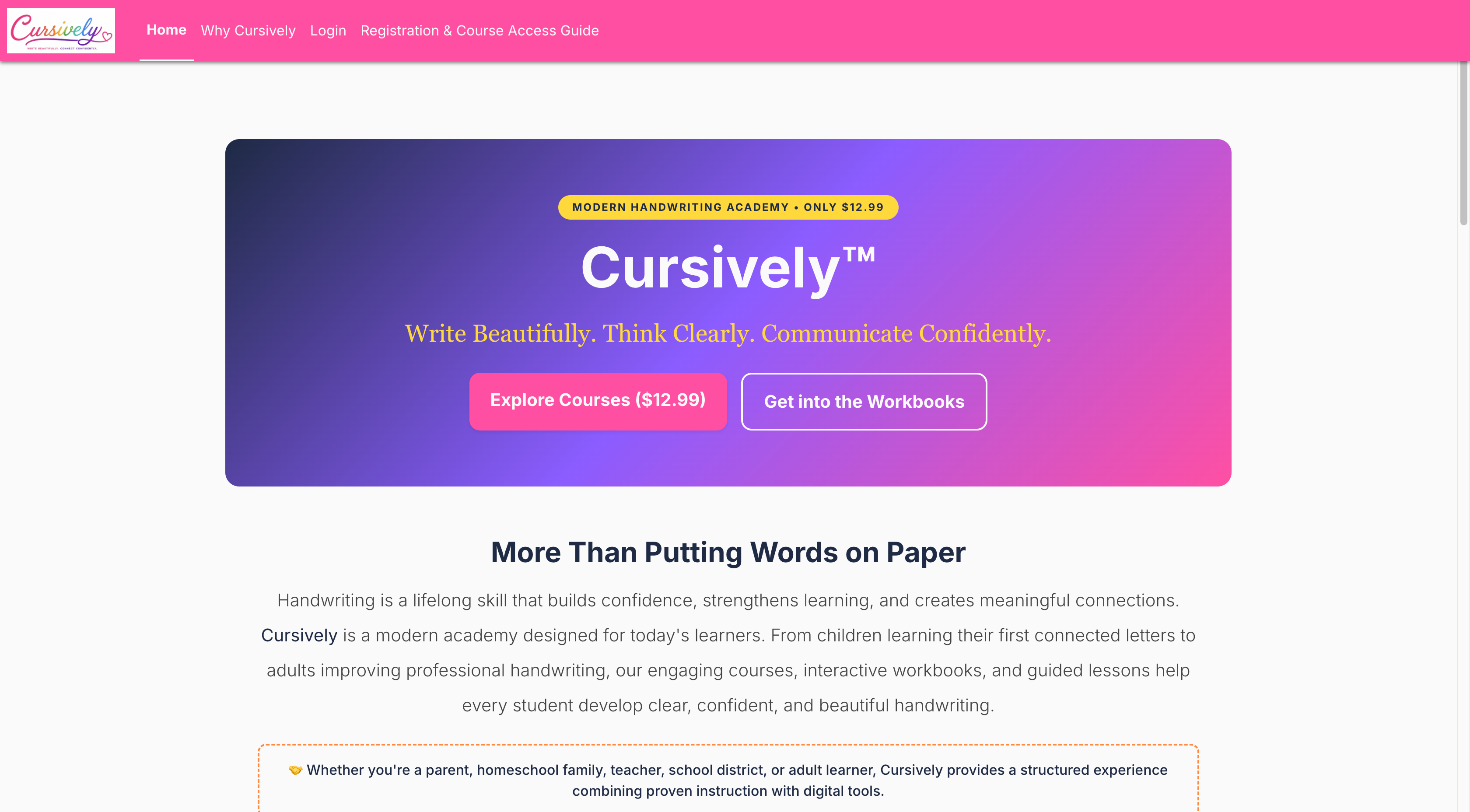
Visit the home page and click the Get All-Access ($12.99) button in the main banner. One payment unlocks every course, and everything is included in the fee.
 🔍 Click image to enlarge
Pay Securely
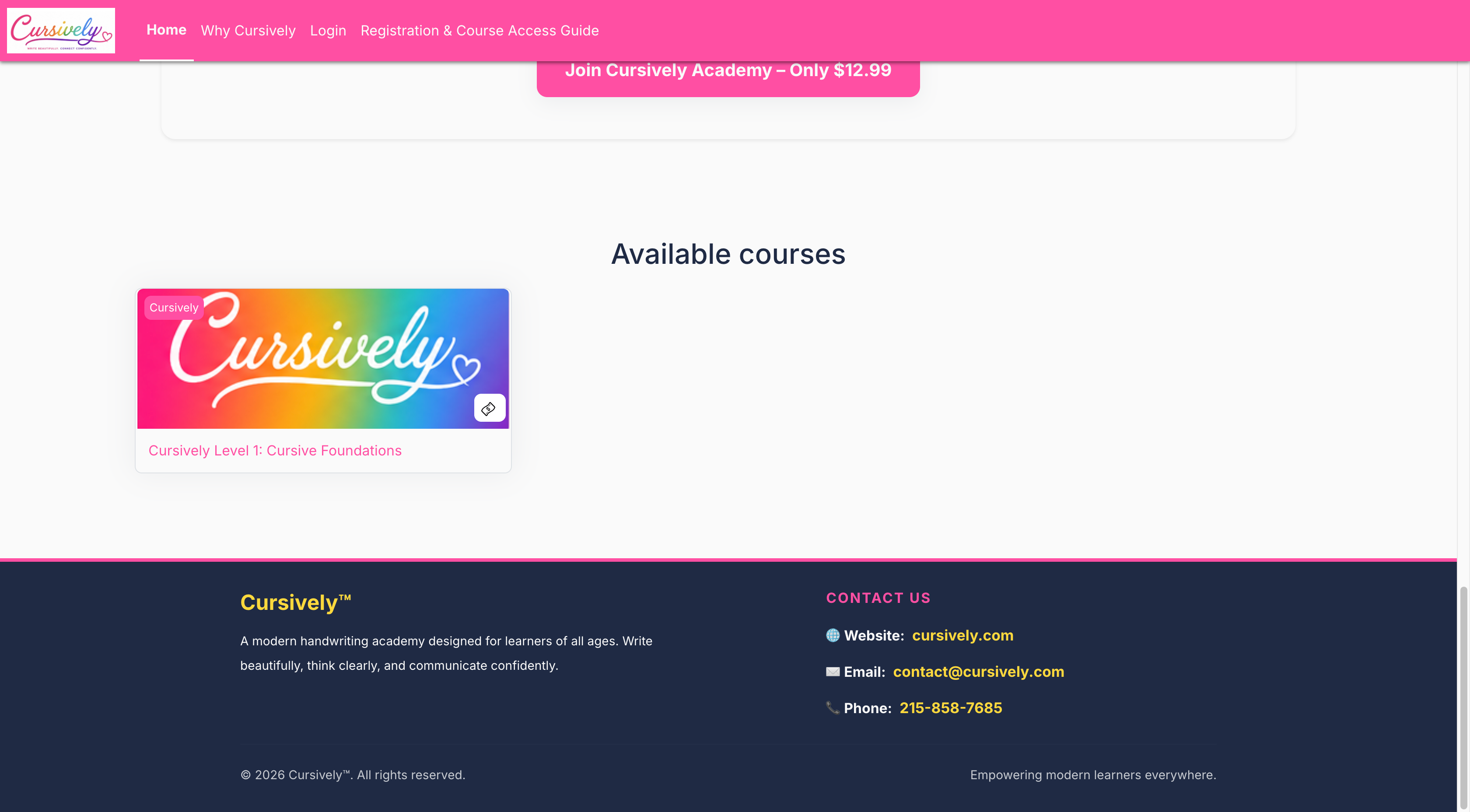
On the checkout page, pay with PayPal or choose Debit or Credit Card. You do not need a PayPal account to pay by card.
 🔍 Click image to enlarge
Create Your Account
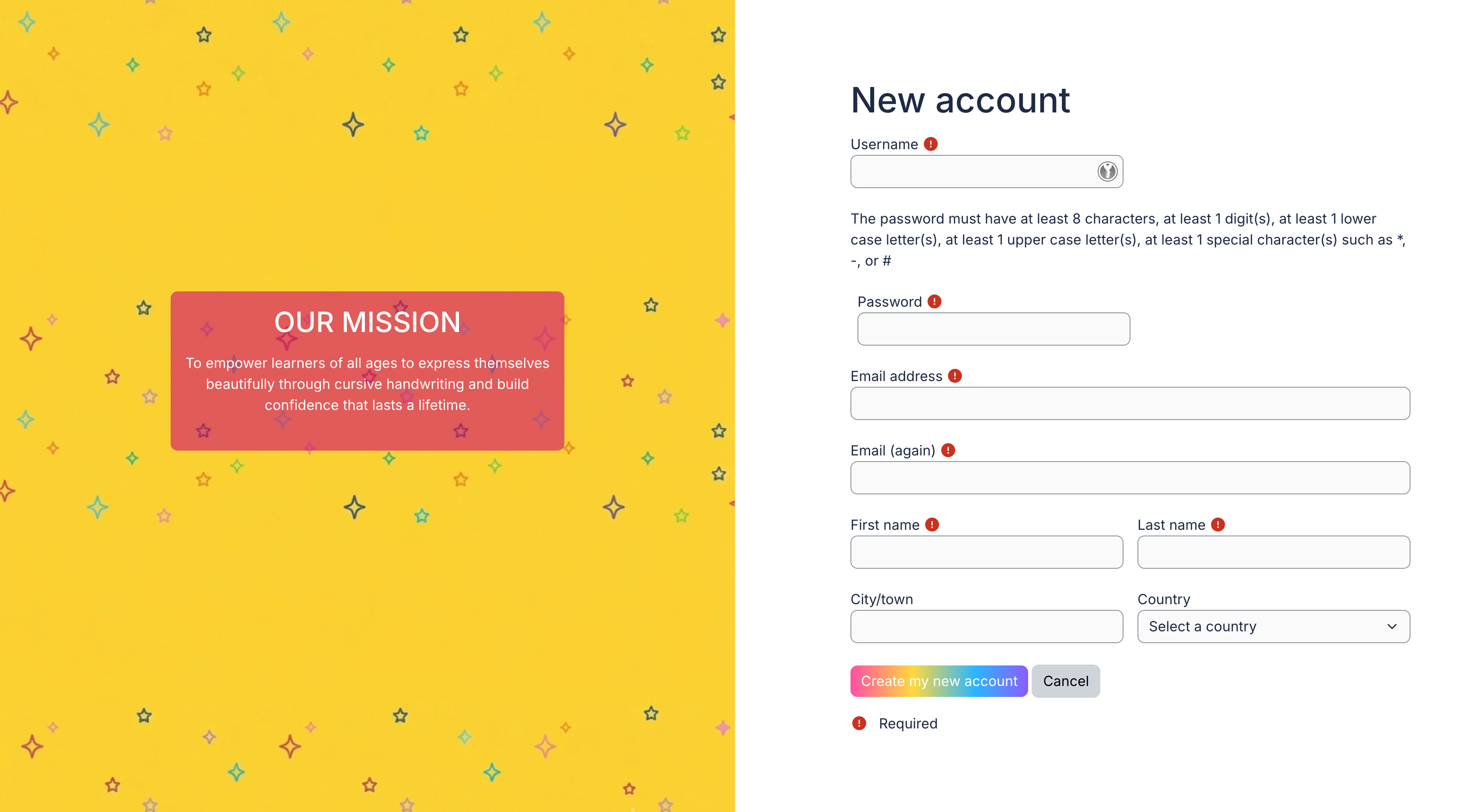
As soon as your payment is confirmed, you are taken to the registration page automatically. Check your email address, enter your first and last name, choose a password, and click Create account and start learning.
 🔍 Click image to enlarge
Start Learning
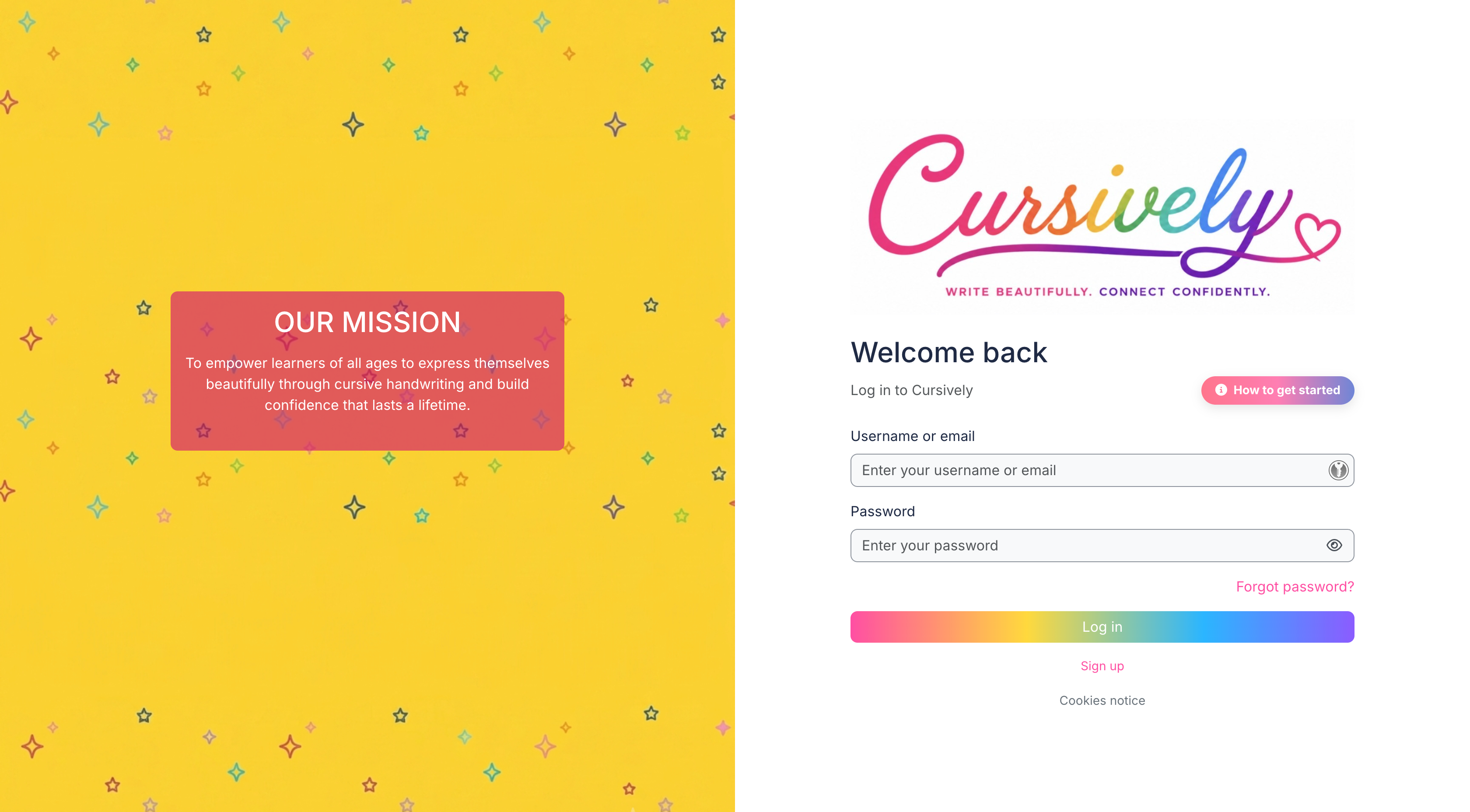
Your account is ready and you are signed in automatically. All your courses appear right away on your Dashboard, under Course overview. Just click a course to begin.
 🔍 Click image to enlarge